
Remove Getty Images Watermark
Need to test visual concepts without distracting stamps? Clean draft mockups and editorial layouts with an AI-powered Getty Images watermark remover built for designers and creators.

 BeforeAfter
or drag and drop an image here
Supported: PNG, JPEG, JPG, WEBP (up to 30 MB)Background Texture Reconstruction
AI inpainting uses nearby colors and patterns to remove Getty Images watermark overlays. Check the rebuilt area for smooth texture transitions.
Edge and Contour Preservation
Use a focused selection to remove Getty Images watermark stamps near subject edges. Check clothing details and architectural lines in the finished image.
Clean Visual Presentations
Build clearer moodboards and mockups. This Getty Images remover helps you compare framing and colors using images you have permission to edit.
Streamlined Browser Workflow
Upload files up to 30 MB and remove Getty Images watermark overlays in your browser. New accounts can try the workflow for free.
Clean Layout Drafts with a Getty Images Watermark Remover
Explore how creative directors, layout artists, and marketers remove Getty Images watermark stamps across five common design and presentation workflows.





How to Remove Getty Images Watermark in Three Steps
Follow this straightforward process to remove Getty Images watermark markings and evaluate clean image previews in your browser.
Precision Inpainting for Stock Photo Drafts
When you remove Getty Images watermark layers, our intelligent algorithms balance tone, lighting, and detail across every section of the frame.
Diagonal Text Detection
Stock preview stamps often cut across the entire image. Our AI isolates diagonal lettering so you can remove Getty Images watermark stamps without harming surrounding details.
Inspect Preview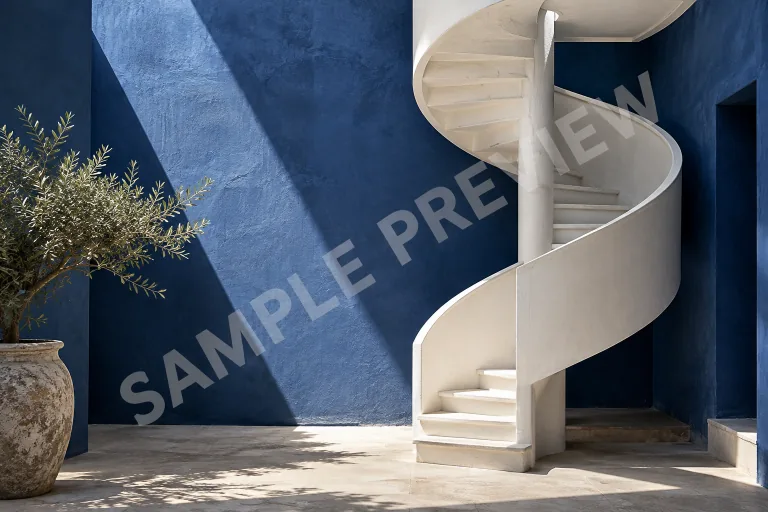
Contextual Surface Synthesis
The neural model analyzes neighboring pixels to fill covered zones smoothly, making this Getty Images remover effective on skin, fabric, and architectural textures.
Inspect Preview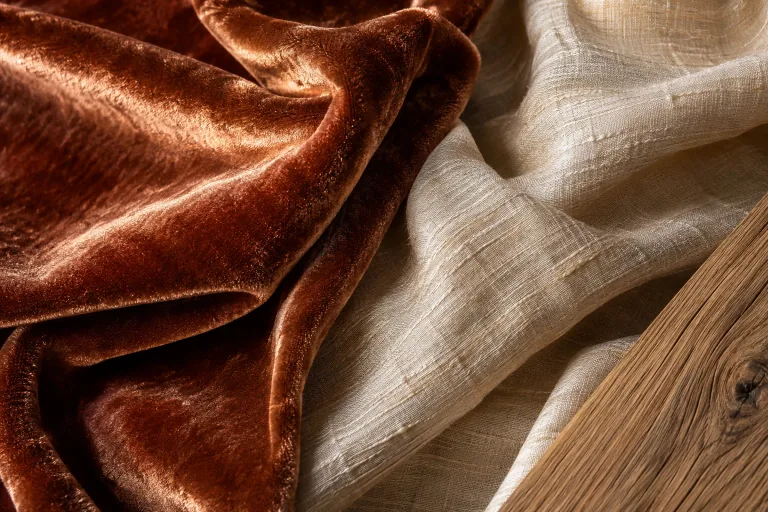
Lighting and Shadow Balance
Preserve realistic gradients, specular highlights, and natural shadows when you remove Getty Images watermark overlays from high-contrast photos.
Inspect Preview
Before-and-After Result Review
Switch between the original photo and result to inspect changes. Open the full image, then download it when you are ready.
Inspect Preview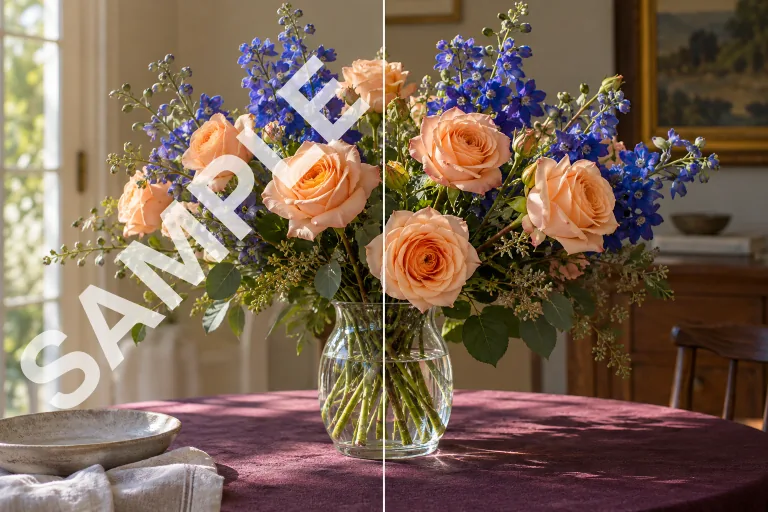
Modern AI Cleanup vs Manual Retouching
See why creative professionals prefer a dedicated Getty Images watermark remover over labor-intensive clone stamping and patch healing.
Getty Images Watermark Removal
- Target visible watermark overlays with Brush, Prompt, or Auto mode.
- AI estimates the texture beneath the selected overlay.
- Edit in your browser without installing desktop software.
- Upload a photo and review the available options before generating.
- Switch between the original photo and the generated result.
- Reopen completed edits from My Creations to review or download.
- Inspect fine details and try a tighter selection when needed.
Traditional Manual Retouching
- Clone or heal selected pixels to remove Getty Images watermark markings by hand.
- Choose source textures and align them with the covered area.
- Use the retouching features available in your preferred photo editor.
- Adjust layers and masks to control individual details more closely.
- Match nearby lines, patterns, and lighting with manual adjustments.
- Work through complex overlays in smaller sections as needed.
- Export the finished image and keep your editable source file.
Best Practices for Concept Layouts
Five practical inspection tips when you remove Getty Images watermark overlays for internal moodboards, pitches, and wireframes.
Interior Mockups
When you remove Getty Images watermark text from architectural photos, verify that straight perspective lines on walls and furniture remain uninterrupted across the inpainting boundary.
Product Presentations
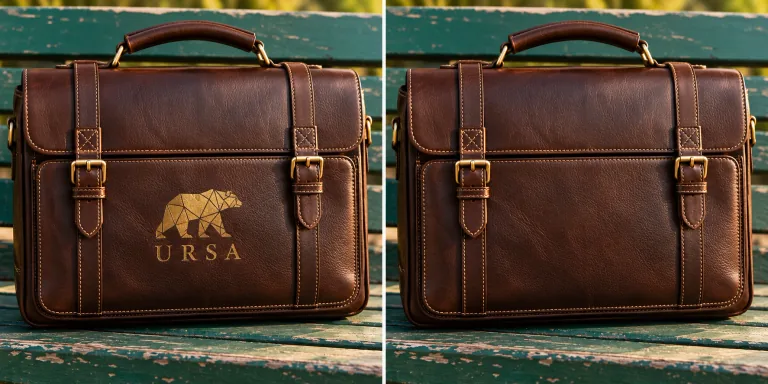
For product packaging, use the brush tool carefully around embossed logos and fine typography so the Getty Images remover targets only the added preview watermark.
Portrait Concepts
On portrait drafts, examine subtle skin tones, hair strands, and eye reflections after you remove Getty Images watermark layers to confirm seamless facial blending.
Editorial Spreads
In magazine and web wireframes, clean preview images help art directors evaluate typography spacing and visual hierarchy without distracting stock photo stamps.
Brand Moodboards
Always keep the original comp file alongside your edited draft. Comparing before-and-after versions ensures your moodboard conveys the intended creative aesthetic.
Answers About Getty Images Watermark Removal
Learn how to remove Getty Images watermark overlays, choose an editing mode, and review image usage rights before getting started.
Ediroo uses AI inpainting to remove Getty Images watermark overlays. It analyzes nearby colors, textures, and lighting to rebuild covered areas instead of simply blurring them.
Yes. New accounts can remove Getty Images watermark overlays during a limited free trial without entering payment details. Continued use beyond the trial requires a purchase; uploading and previewing your own image are free.
No. The sample images in this workspace display illustrative watermark overlays created for demonstration purposes. Using this Getty Images watermark remover to clean a preview does not grant you a commercial stock license.
No. Watermark removal does not transfer copyright or license rights. Commercial usage depends on your legal rights to the original content. If you plan to publish the image publicly, you must purchase the appropriate license directly from Getty Images.
Upload one JPG, JPEG, PNG, or WebP image up to 30 MB. Start with the clearest original available, then remove Getty Images watermark layers from your selected area or use Auto for visible overlays.
Use Brush to mark a specific area, Prompt to describe which overlay to remove, or Auto to target visible preview watermarks across the photo. For lettering near faces or small details, start with a careful brush selection and inspect the result.
Yes. Your uploads and processed results are stored securely in your My Creations dashboard so you can review and download them at any time. We do not set automatic deletion timers, and files are only used to complete your requested edits.
AI inpainting predicts plausible textures from the surrounding image; it cannot guarantee recovery of the exact original pixels hidden by a watermark. Switch between the original and result, then inspect important details at full size before downloading.


Ready to Remove Getty Images Watermark from Your Comps?
Try our Getty Images watermark remover with your next layout draft. Upload a photo, choose how to edit it, and review the finished result before downloading.
Remove Watermark Now BeforeAfter