

Remove Sticker from Photo Online with AI

Erase unwanted social stickers, emojis, and promotional badges without damaging your background. Our AI sticker remover blends surrounding textures to remove sticker from photo uploads cleanly.

The same lake and jetty with the wood visible without a stickerSun sticker on a wooden jetty beside an alpine lakeBeforeAfter

or drag and drop an image here

Supported: PNG, JPEG, JPG, WEBP (up to 30 MB)
Try a prepared example:
Inpainting Precision

A Smarter AI Sticker Remover for Clean Photos

Manual cloning often smudges textures and leaves harsh seams. As a dedicated sticker remover from photo files, Ediroo follows lighting angles and surface grain to remove sticker from photo uploads with natural edge blending.

Substrate Texture Inpainting

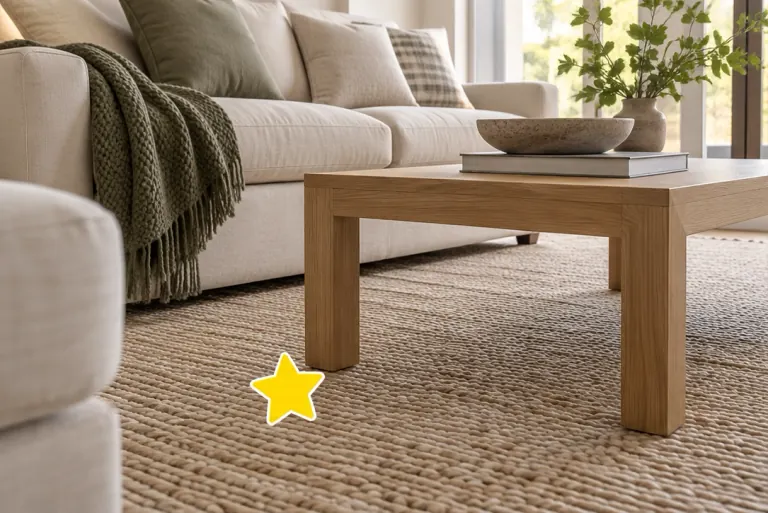
Stickers often sit across textured surfaces like knitwear, rugs, or hardwood floors. Our photo sticker remover analyzes surrounding weave and grain to remove sticker from photo files cleanly, keeping underlying material lines intact.

Boundary Halo Suppression

Digital stickers and emojis frequently have thick white borders or drop shadows. Our sticker eraser eliminates both the graphic and its outer edge, preventing white halos whenever you remove sticker from image layers.

Intelligent Masking Modes

Choose the controls that fit your shot. Our sticker remover online lets you remove sticker from photo assets automatically, paint over marks with a brush, or describe specific edits in text while protecting nearby details.

Shadow and Lighting Harmony

Erasing an overlay should keep room lighting believable. When editing shots with ambient shading, our AI sticker remover follows directional light, allowing you to remove sticker from photo scenes with realistic contact shadows.

Inspection Guide

How to Remove Sticker from Image Files

Review these sample pairs to see what to check after editing, from delicate knitwear to patterned flooring.

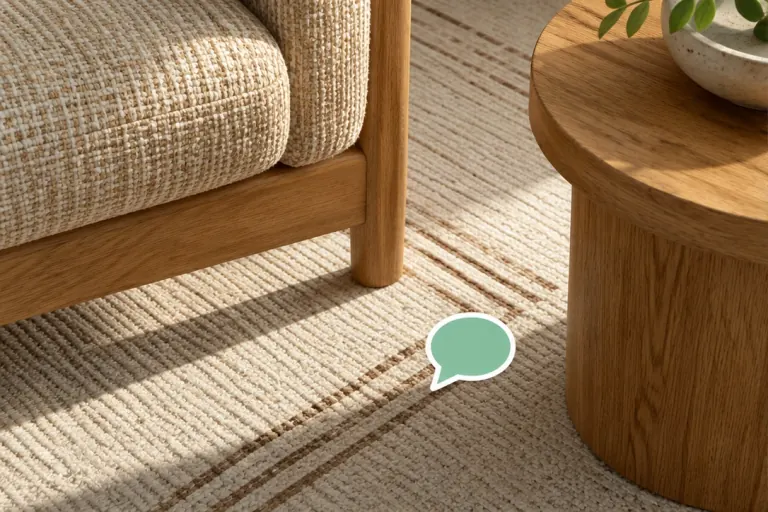
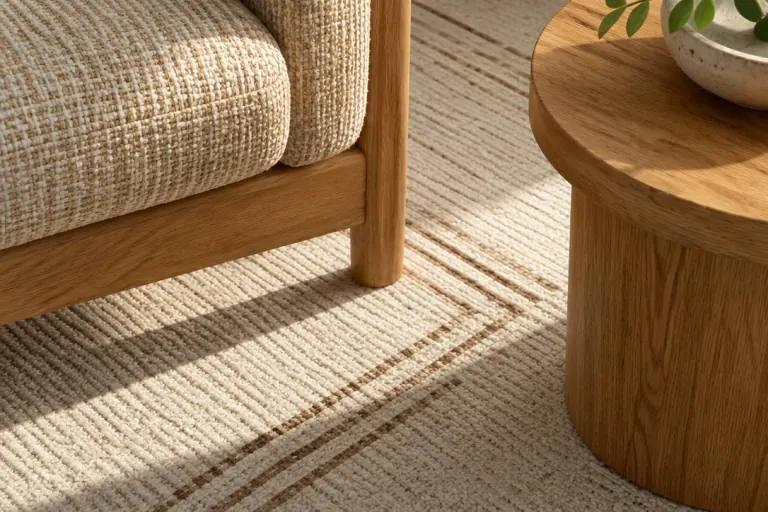
The same room with the rug visible without a stickerYellow star sticker on a woven rug beside an oak coffee tableBeforeAfter
01

Flooring and Rug Surfaces

When you remove sticker from photo files showing rugs, wood planks, or tiles, verify that reconstructed floor textures match neighboring grain and that nearby furniture legs remain straight.

Clean Your Photo
Product Packaging Badges — Before
Before
Product Packaging Badges — After
After
02

Product Packaging Badges

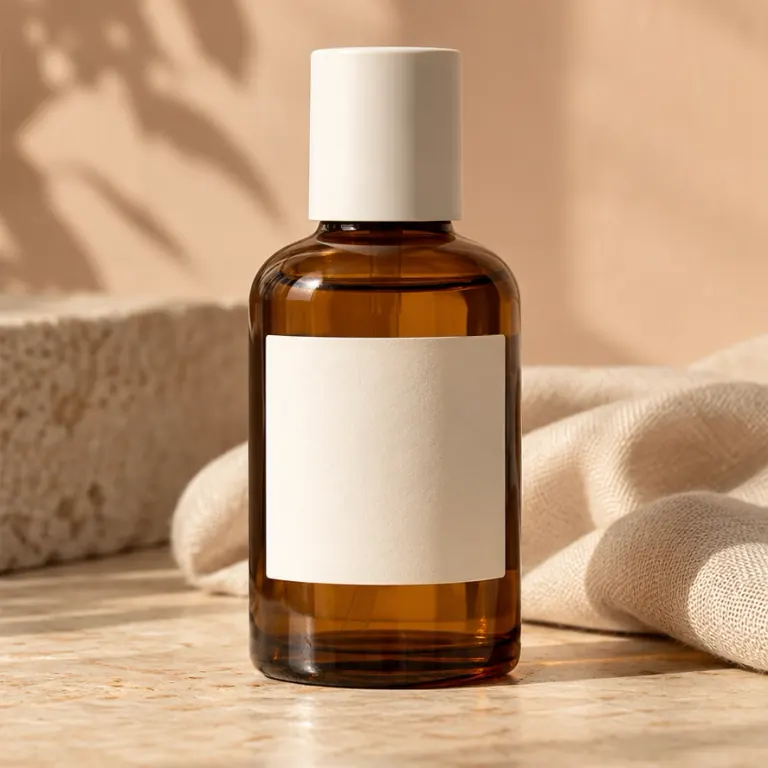
Ecommerce sellers frequently need to clear outdated promotional tags from product shots. Our photo sticker remover lifts added badges while preserving authentic packaging and bottle reflections.

Clean Your Photo
The same adult woman with her sweater visible without the heart stickerAdult woman in a cream sweater with a heart sticker near her shoulderBeforeAfter
03

Clothing and Portrait Edges

When stickers overlap clothing in portraits, check fabric seams and collars. The AI sticker remover fills masked areas with consistent weave while leaving skin tones natural.

Clean Your Photo
High-Frequency Background Patterns — Before
Before
High-Frequency Background Patterns — After
After
04

High-Frequency Background Patterns

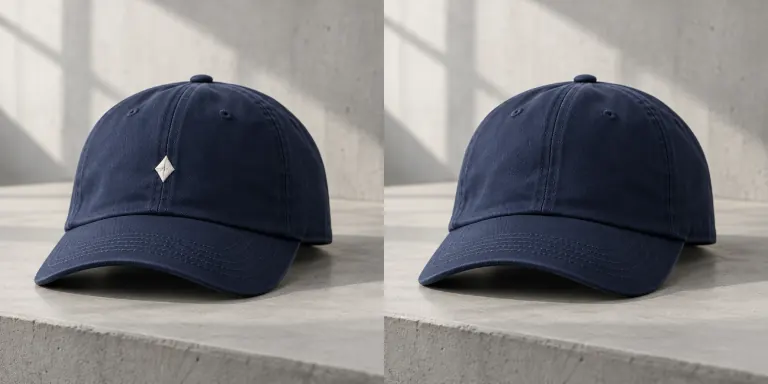
Detailed carpets and wallpapers challenge any sticker eraser. After you remove sticker from picture uploads, zoom in on the fill area to confirm repetitive patterns align without blurring.

Clean Your Photo
Common Questions

Frequently Asked Questions About Sticker Removal

Learn how our AI sticker remover works, explore free trial options and supported formats, and see how to remove sticker from photo files effectively.

If you added the sticker in your phone gallery, delete the layer there. In Apple Photos, tap Edit and check for Revert to Original; review Apple's instructions for details. For flattened screenshots, you can remove sticker from photo files with Ediroo instead.

No. When an opaque sticker covers an image, underlying pixels are replaced. Rather than recovering hidden details, our sticker removal tool synthesizes matching colors and textures when you remove sticker from photo files, producing a clean, believable fill.

Yes. Upload any saved photo or screenshot to our sticker remover online. Our sticker eraser clears added stickers, emoji tags, and date marks, though it cannot reverse full-screen facial filters or overall color grading.

New users can start a free trial upon registration to remove sticker from photo uploads and test our AI sticker remover. Uploading photos and brush previews are free. Submitting an edit uses credits based on your selected AI model, and failed tasks refund credits automatically. Downloading your completed image is always free. See our pricing page for credit plans and options.

We support JPG, JPEG, PNG, and WebP files up to 30 MB. For iPhone HEIC images, export as JPG or PNG first. Output resolution follows the selected model (1K or 2K), ensuring you can remove sticker from picture files ready for print or store listings.

Start fresh with your original photo. Brush over the sticker graphic and its shadow with a narrow 2–3 pixel margin, avoiding neighboring objects. If Auto mode removed too much context, switch to Brush mode to refine your mask.

Yes. Your uploads and results remain safely accessible in your private My Creations dashboard. Unlike tools that delete edits after 24 hours, Ediroo keeps your project history available for re-downloading. Files are used strictly to complete your edits; check our Privacy Policy for details.

Using Ediroo to remove sticker from photo files provides technical editing capabilities but does not grant copyright over the source picture. If cleaning supplier mockups or vendor catalogs, ensure you have commercial permission from the image owner before publishing.

Ready to Remove Sticker from Photo Files?

Start your free trial to remove sticker from photo uploads with neural inpainting. Inspect the slider comparison and download your clean image.

Remove Sticker Now
The same garden portrait with the dress visible without the stickerAdult woman in a garden with a butterfly sticker on her sage green dressBeforeAfter